eBay · Finances · Payouts
eBay payout and fee reconciliation for accounting and ERP
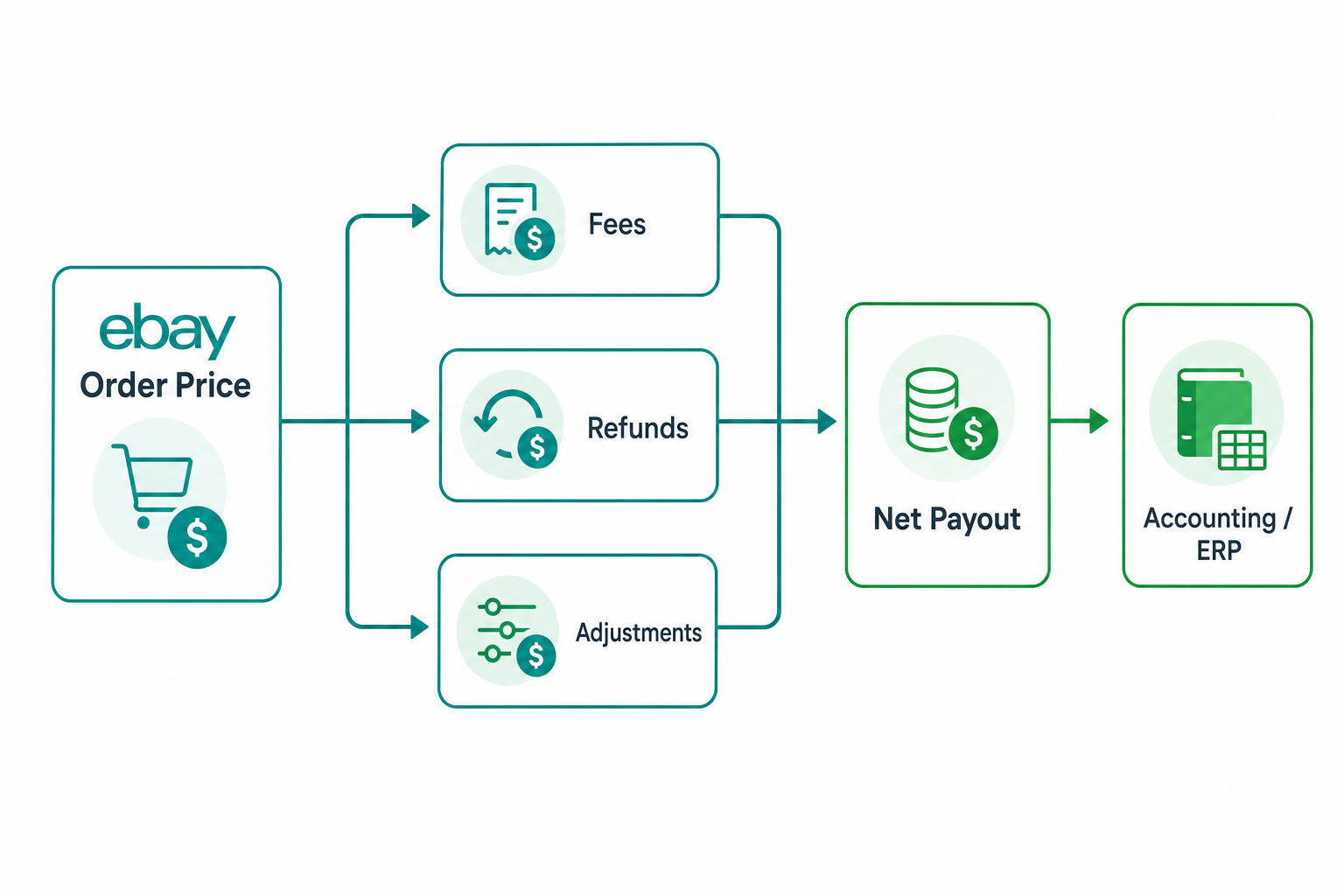
One of the most expensive mistakes in eBay integrations is confusing the order with the cash-in. The price the customer pays is not what lands in the seller's account: in between there are fees, refunds, credits, adjustments and timing differences. To connect eBay with ERP and accounting you need the eBay Finances API.
Why an order is not a cash-in
Between the order value and the net payout several factors come into play:
- fees on the sale and on the total value (final value fee);
- refunds, full or partial, to the buyer;
- credits and adjustments applied by eBay;
- timing: the sale and the credit do not coincide.
Importing only orders therefore tells half the story. Accounting needs the full financial flow.
The Finances API model
| Concept | Meaning |
|---|---|
| Transaction | A single movement: sale, fee, refund, credit |
| Payout | The net credit to the seller's account |
| Transfer | Amounts the seller owes to eBay |
The key calls are getTransactions to read movements and getPayouts for credits; each payout is made of the period's transactions.
The reconciliation logic
Reconciling means rebuilding, for each payout, the set of transactions that compose it and linking them to orders:
- import transactions with incremental polling by date;
- link each transaction to its order via
orderId; - group transactions by
payoutId; - verify that the sum of transactions matches the payout;
- record differences as anomalies to investigate.
From eBay to ERP and accounting
Once reconciled, the data must reach where it is needed: accounting entries, fees recorded as cost, refunds handled as credit notes. Keep a mapping table between eBay transaction types and accounting accounts/reasons, so the export stays consistent and repeatable.
Architecture on Azure
On Microsoft Azure a typical pipeline uses a scheduled Function to poll transactions, a database to store movements, payouts and reconciliation status, and a worker that produces entries towards the ERP or a file for accounting. Idempotency on transactionId and payoutId prevents double posting.
Common mistakes
- exporting orders as cash-ins, ignoring fees and refunds;
- not reconciling the sum of transactions against the payout;
- losing movements due to polling windows without overlap;
- posting the same transaction twice for lack of idempotency.
Conclusion
The Finances API closes the loop of an eBay integration: it links orders, fees and payouts and makes accurate accounting possible. Without reconciliation, the numbers will never add up. Official documentation: eBay Finances API — Overview.