eBay · Browse API · Migration
eBay Browse API: what to do now that Finding and Shopping are gone
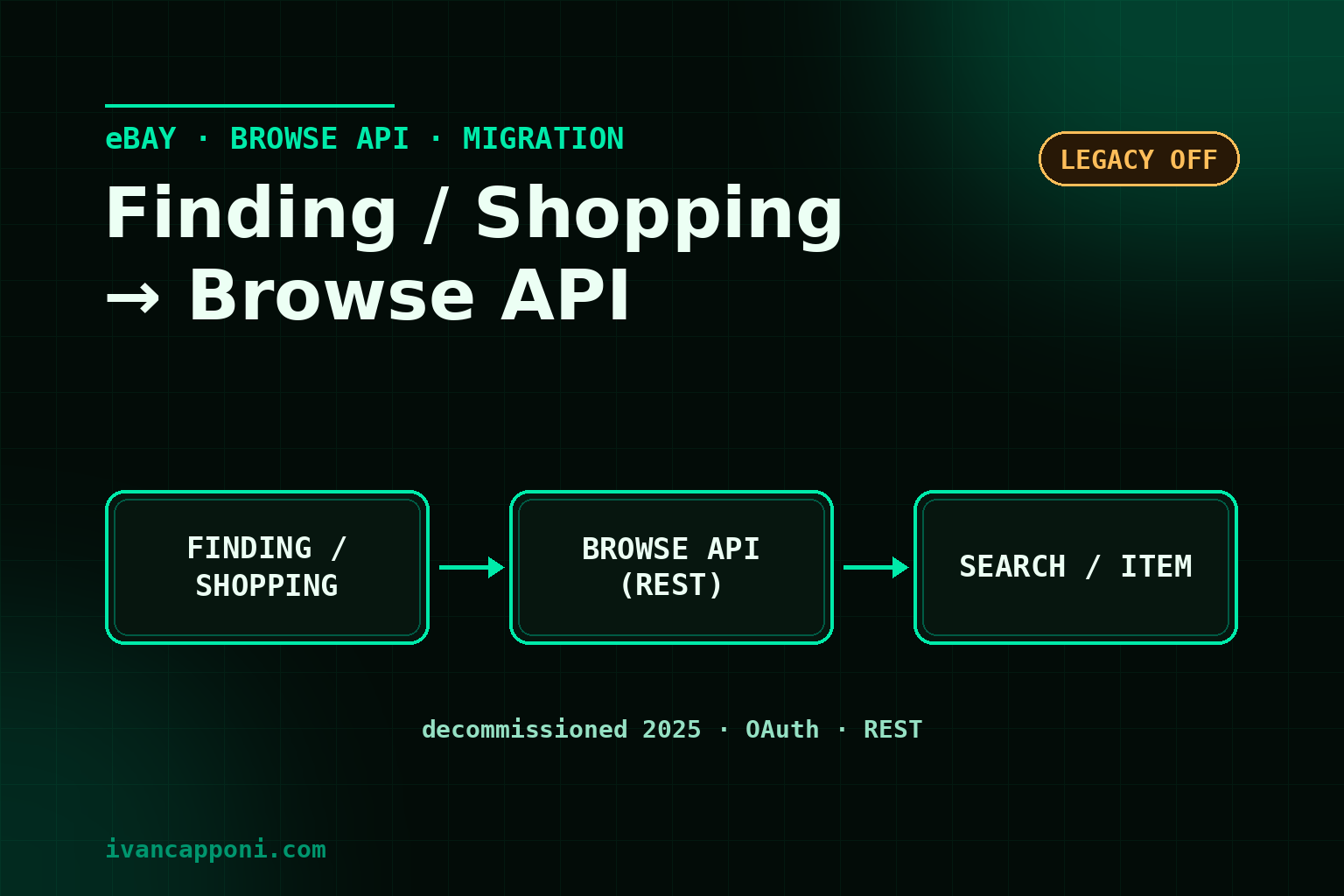
eBay's legacy Finding and Shopping APIs have been decommissioned (deprecated in 2024 and shut down in early 2025). If your integration used them to search products or read an item's data, they no longer respond. The replacement is the RESTful Browse API. This guide explains what changes and how to migrate.
What was shut down and why
Finding (keyword search) and Shopping (single-item details) were legacy XML-style APIs. eBay retired them in favour of the more modern, maintained REST APIs. The Browse API covers the buyer-side use cases: search, item detail and lookup by legacy ID.
The Browse API at a glance
| Use case | Browse method |
|---|---|
| Search items by keywords/filters | item_summary/search |
| Item detail | getItem |
| Look up an item by its old ID | getItemByLegacyId |
Authentication
The Browse API uses OAuth: for public search an application access token (client credentials) is enough, no user token. Keep client id and secret safe and refresh the token on expiry, with the same care as the eBay Sell API guide.
How to migrate the calls
- Search:
findItemsByKeywords(Finding) →item_summary/searchwithq, filters and pagination; - Detail:
GetSingleItem(Shopping) →getItemorgetItemByLegacyIdif you start from the old ID; - remap the response fields: the REST structure differs from the XML one.
Common mistakes
- keeping calls to the legacy endpoints and treating the 404/errors as transient;
- reproducing the XML fields one-to-one instead of remapping to the REST model;
- ignoring the Browse API rate limits (see common eBay integration mistakes).
Conclusion
If searches stopped returning results, the cause is almost always Finding/Shopping being switched off: the Browse API is the way forward. On the seller side the picture is broader and also involves the choice between the Sell API and the Trading API and the migration of deprecated Trading calls. Reference: eBay API deprecation status.